Workflow or Agent: Where the Decisions Live
TL;DR
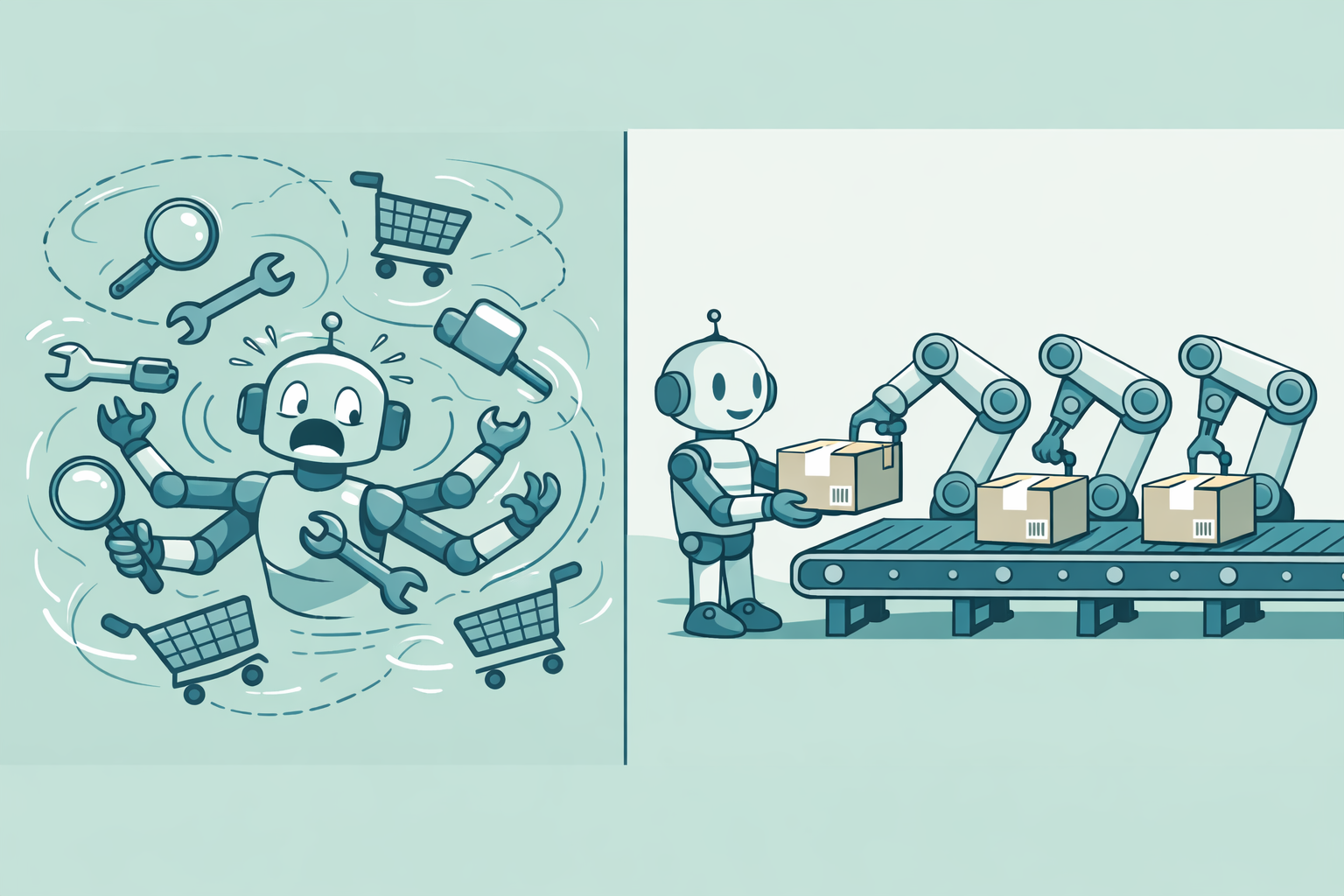
The first architectural decision in an LLM automation is how much of the work the model does and how much code does. On a customer support automation, we gave code the order of operations and the model one job: reading the message. That guaranteed a security check before any unlock, but what drove the decision was stakeholders wanting their templates. It worked for the commonest requests and ran out on the rest: rarer requests, and common ones on accounts in states we had no rule for. Next time I would make the agent the default, and move a request type into code once it is common and the agent gets it wrong, or its action can’t be undone.
The system as one map: a message goes to a workflow in code or to an agent, both act through the same tools, and experts grade the replies. Each section’s map highlights its part.
The first design: one agent with every tool
The running example is invented to protect the client, but the project behind it is real. Customers write in to first-level support at Northstar Bank with messages like this:


To answer Alex, something has to work out what Alex wants and which account is theirs, check whether it is safe to help, and choose the reply. Each of those steps can be code or the model.
Two facts pushed us toward code. No model was trained on Northstar’s escalation rules or on Alex’s account. And no test can tell us whether a reply to Alex is right, the way a test suite tells a coding agent its code works: someone who knows the bank has to read the reply. The Missing Test Suite makes the longer argument for the second. This post is about who decides the order of operations.
The first design we tried left all of it to the model: a single support agent that held every tool (account lookup, security-flag check, send unlock instructions, escalate to security) and wrote the reply itself.
Nothing in that design guarantees that the agent checks the security flag before it sends unlock instructions. That would be an expensive mistake. And if the model chooses the order, a customer’s message can talk it out of the check: that is prompt injection. A check inside the unlock tool would close that hole, but that is code deciding the order again. As the ServiceNow CEO put it: people forgive other people for making mistakes. They don’t forgive software.
In practice, though, a different complaint drove the decision: stakeholders said the agent’s replies didn’t match the established message templates. We tried to fix that with prompt engineering, but asking an LLM to be reliably deterministic works against its nature. Judged on template match, code can’t lose, because code picks the template. So we tried a workflow.
For a locked account, the workflow works
We labelled and clustered a sample of past tickets with an AI-assisted, iterative process. A handful of intents accounted for the large majority of them, which encouraged us to build one.
To get both the ordering guarantee and the fixed templates, the workflow kept code in charge of the sequence and gave the LLM one job: reading the message. Once the tree has an Account locked intent, the LLM recognises Alex’s message as one and pulls out the identifier, the account number or the name and branch. Everything after that is a small decision tree in code: look up the account, check the flag, then send the unlock-instructions template or escalate to security. The flag check comes before any unlock instructions, every time.
For this one intent, the workflow was the clear fit. The logic is explicit and the cases are few: the account is flagged or it isn’t. Because code selects the reply, the template is guaranteed rather than prompted for. The LLM’s part is narrow enough to have its own evals, a cheaper model, or a Named Entity Recognition model in its place. And a fix is local: when a message is misread or a policy changes, you edit the extraction prompt or add a branch, and you know what the next message of that shape will do.
The full version is the four-step pipeline in Architecture of a First-Level Support Automation, with the typing that holds its seams together in Type-Safe Hybrid Workflows with Pydantic AI.
A workflow needs a branch for every cell
We ran the pipeline in shadow deployment: it drafted a reply to every incoming ticket, subject-matter experts graded the drafts, and nothing was sent automatically. Each round of their feedback landed a new branch in the tree, and for a while that worked.
But a workflow can only answer a request if someone has written a branch for its intent and the fetched data behind it. Those branches form a grid: every kind of request against every state its record can be in.
Had Alex’s account been closed, the request would land top right, in a cell nobody decided.
Every question mark is a decision someone has to make, write down and keep current. This toy already leaves seven open, and we had many more than three of each. A handful of intents covered most messages, not most cells: each intent still fanned out across every state its record could be in, and every new state meant another branch and another template.
Schematic, not measured: branches grew faster than the share of tickets the tree could answer.
The agent got the leftovers
Eventually the workflow wasn’t expressive enough, so we bolted an agent onto the tree as a fallback for the “Other” leaves it couldn’t cover (the fallback in the plan-generation step). Code stayed the default, and the agent only got the requests the code hadn’t reached yet.
The grading worked against it, too. Drafts were scored on template match rather than on whether the customer’s issue got resolved, so a clearer, more helpful answer in the agent’s own words still scored badly, purely for departing from a template. We were asking the agent to be a worse workflow.
Before the tree had an Account locked intent, Alex’s message landed in “Other”, and the agent’s draft asked Alex for the email address on the account. It was rejected for “Wrong process”. The reviewer wrote: “We have the account number, so look them up: never ask for what we can find. Locked accounts get the unlock link, or go to security if flagged.” With code as the default, our fix was a new intent.
Next time: make the agent the default
Compare the map in “The agent got the leftovers”: the same routes, the default swapped.
I would invert the default, following Will Larson’s Building an internal agent, which starts every workflow with the LLM in charge. A path graduates into a workflow only once it shows up often and the agent handles it unreliably, or when the action is irreversible enough that you don’t want a model deciding it. Rarer request types stay with the agent.
I would start with an agent with a set of tools. For Alex, it would read the message, look up NSB01234, check the flag and propose sending the unlock steps. As in our pipeline, a plan that touches account access would still wait for a person to approve it.
That is also the shortest path into shadow deployment, since an agent with a set of tools is much less to build than a tree of intents, plans and templates, and every week before the experts see real drafts is a week of grades lost.
The caveats are real, though:
- The agent doesn’t shrink the grid; it spares you enumerating it. That is a real advantage, since enumerating it was exactly where we hit the wall. But skipping a cell is not the same as answering it correctly.
- The agent arrives no better informed than the tree did. It can read Alex’s record, but how to get Alex back in depends on the bank’s rules. A read tool only helps with the rules somebody wrote down, and most of them live in the heads of the people who answer the tickets.
- Resolved tickets are no clean fix. The obvious remedy is to point the agent at them, but they are full of resolutions that contradict each other and current policy. The tree, for all its gaps, was at least a single curated source of truth.
- Privacy and security are hard to get right. Those same tickets are full of personal data, and an agent that retrieves and reasons over them is a far larger exposure surface than a fixed tree.
- An agent is mostly judged end to end, so a regression is hard to locate.
What actually settles it
Neither design tells you which cells of the grid matter. A workflow makes you guess them up front; an agent lets you skip writing them down. Only the people who know the business can settle which paths are worth freezing into code, and they settle it by grading the system’s drafts.
If I built this again, I would first work out what the automation would actually save. Then I would get the experts grading an agent’s drafts before committing to a tree.