Temporal for Human-in-the-Loop: When You Don't Know How Long to Wait
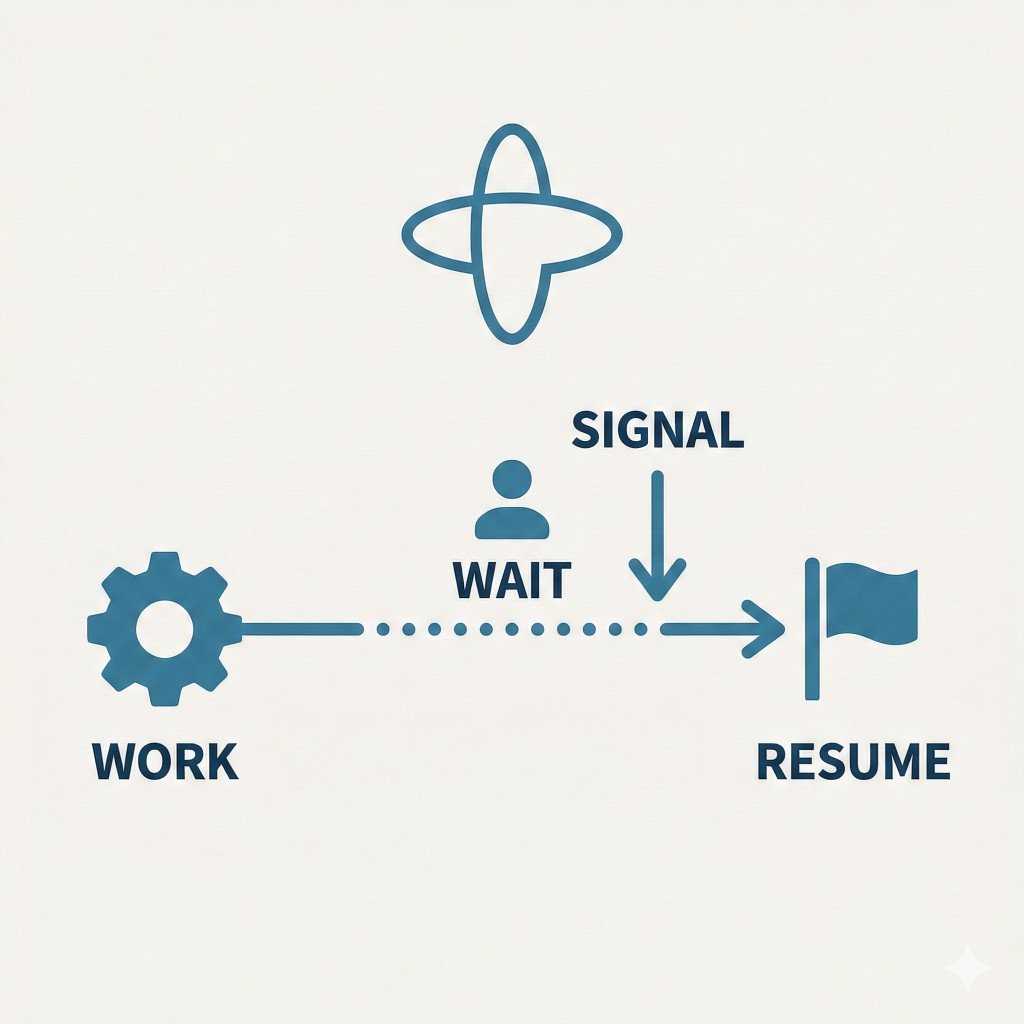
Human input gives a workflow an unpredictable pause: someone might respond in minutes or days, and the process may restart in between. In a recent project I used Temporal to make that wait durable without keeping a worker busy.
Why Temporal fits human-in-the-loop
Human-in-the-loop (HITL) here means that a workflow does some work, waits for a human decision (e.g. approve/reject), and then continues. Polling burns resources, while fire-and-forget callbacks do not survive restarts.
Temporal gives you:
- Durable waits — The workflow can
awaita condition for hours or days without holding a thread or a DB connection. The workflow is persisted; when the condition is satisfied (e.g. via a signal), execution resumes. - Signals — External actors (e.g. your approval UI) send decisions into the workflow as signals. The workflow reacts when the signal arrives; no polling from inside the workflow.
- Queries — Read-only views of workflow state so UIs can show “waiting for approval” or “approved by X” without affecting execution.
- Deterministic replay — After a crash or deploy, Temporal rebuilds the workflow’s state by replaying its event history, without re-running activities that already completed.
These features let you model “do work → wait for human → continue” as one workflow that survives restarts without guessing how long the human will take.
Patterns that worked
1. Signal + wait condition for approval
The workflow sets a status (e.g. AWAITING_APPROVAL) and then waits until a signal sets the decision:
@workflow.signal
async def approve(self, reviewer_id: str) -> None:
    if self._status != Status.AWAITING_APPROVAL or self._decision is not None:
        return  # Idempotent: ignore if already decided
    self._decision = "approved"
    self._approved_by = reviewer_id

@workflow.run
async def run(self, timeout_days: int) -> dict:
    # ... do work, then wait for human ...
    self._status = Status.AWAITING_APPROVAL
    try:
        await workflow.wait_condition(
            lambda: self._decision is not None,
            timeout=timedelta(days=timeout_days),
        )
    except TimeoutError:
        self._status = Status.REJECTED
        return {"status": "timeout"}
    # Continue with approved path...
The UI (or another service) queries workflow state to show the right screen and sends approve or reject via the Temporal client. No polling inside the workflow.
A signal handler can only ignore a late or duplicate decision; the sender never learns that it was ignored. If the UI needs to know whether its decision was accepted, a Workflow Update with a validator can reject it instead.
2. Timeouts so workflows don’t hang forever
Without a timeout, a workflow could wait indefinitely if the human never responds. Using wait_condition(..., timeout=...) gives you a clear outcome: either a decision arrives (signal) or the workflow times out and you can mark it rejected or escalate.
3. Polling external systems with unknown completion time
The same problem appears with an external API that completes asynchronously (e.g. a job queue). Start the job in an activity, then have the workflow check its status through another activity. If the job is neither done nor failed, call workflow.sleep(interval) and retry within an overall time budget. The sleeps and branches are deterministic, so replay remains safe. Each iteration adds events to the workflow history, though, so for long budgets let the status activity’s retry policy do the polling, or use continue-as-new.
# Conceptual: poll until done or timeout
while True:
    status = await workflow.execute_activity(check_status, job_id)
    if status in ("completed", "failed"):
        break
    if (workflow.now() - start).total_seconds() > max_wait_seconds:
        break
    await workflow.sleep(timedelta(seconds=poll_interval))
4. Idempotent signals
Humans (or UIs) may send the same signal more than once. Making the signal handler idempotent—e.g. “if we already have a decision, return”—avoids race conditions and duplicate side effects when a reviewer clicks twice or the client retries.
What the model buys you
Workflow code orchestrates and waits; non-deterministic or external actions live in activities. Explicit states such as AWAITING_APPROVAL and bounded waits make stuck workflows visible, while deterministic replay handles restarts without re-running completed activities. Activities themselves run at least once, so the side effects inside them still need to be idempotent.
I found this easier to reason about than ad-hoc queues and callbacks.